


21 Jan 2015 BMW F10 528i – CarPlay & Android Auto Installation
2015 BMW F10 528i CarPlay & Android Auto
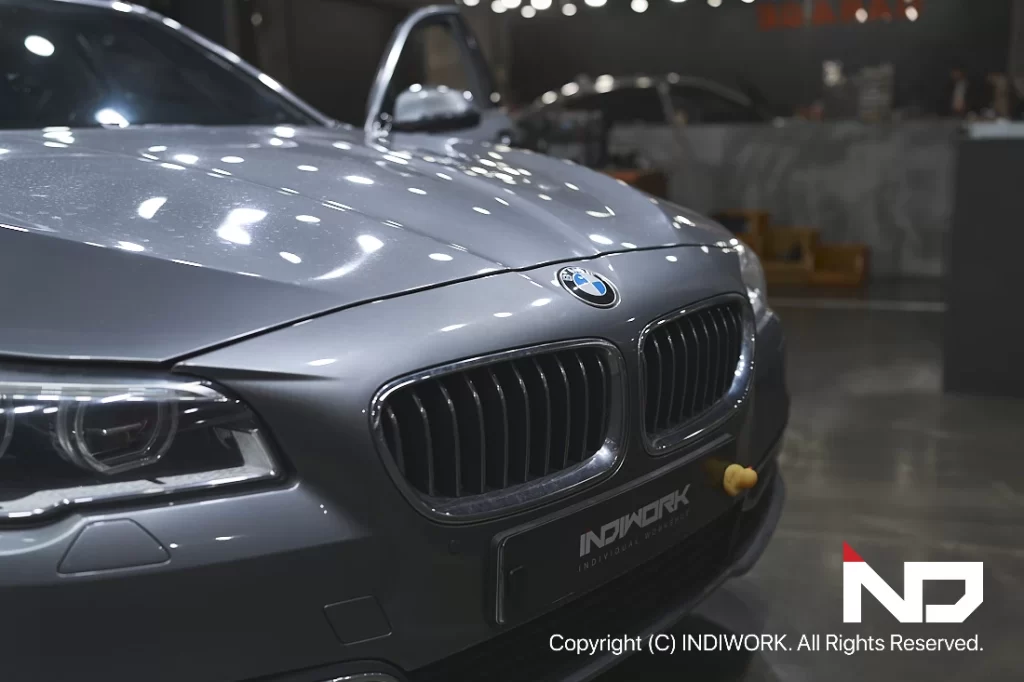
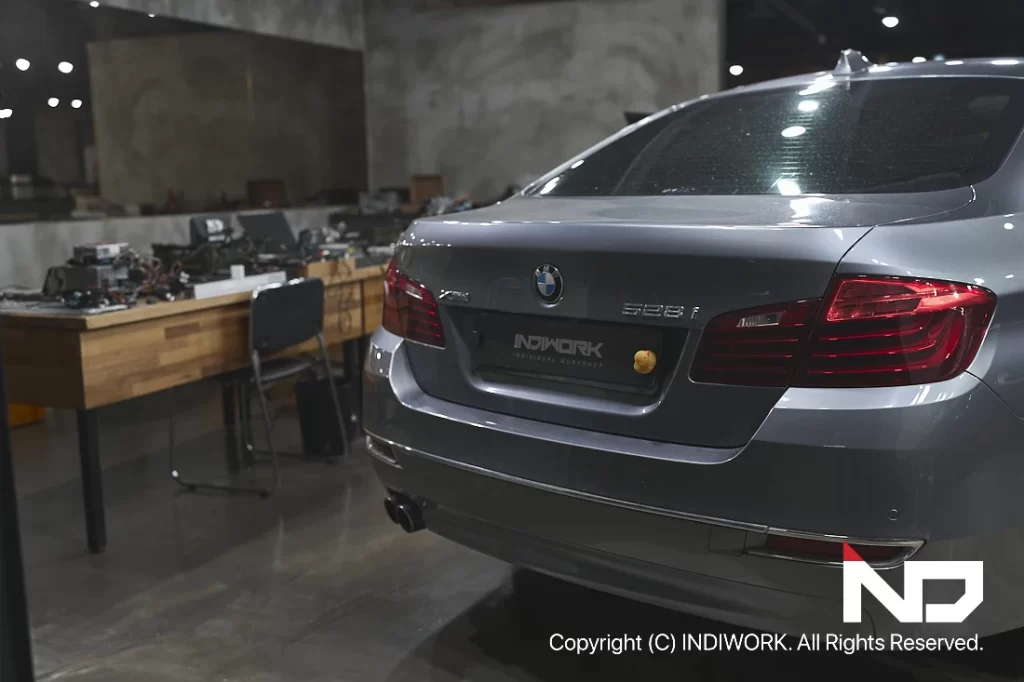
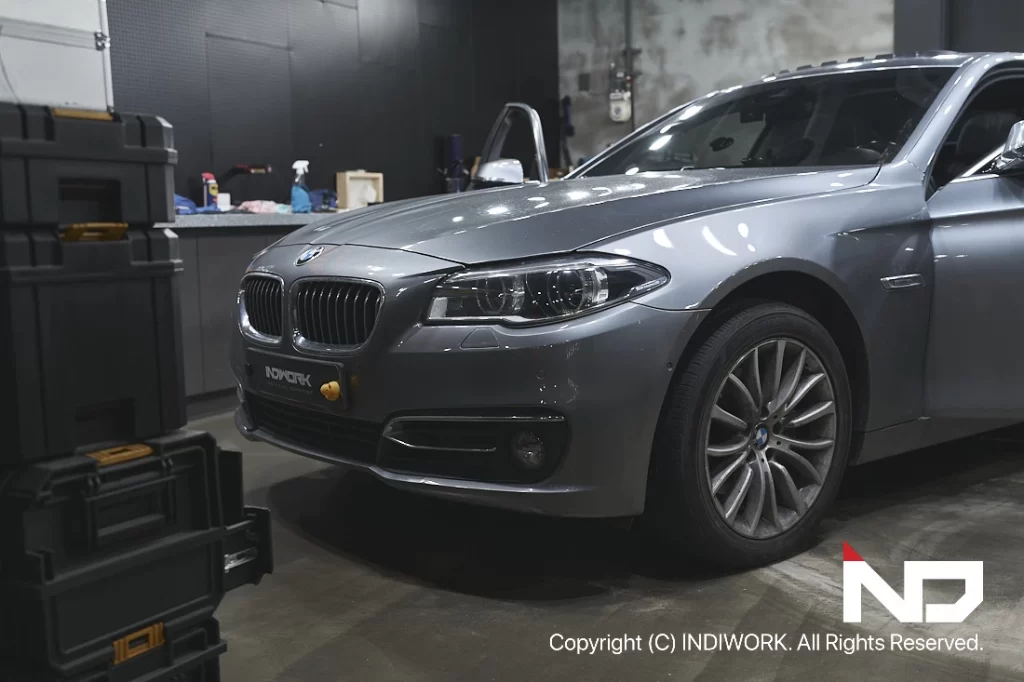
The 2015 BMW F10 528i, even after 10 years, remains a timeless classic sedan. Its elegant design and exceptional driving performance have preserved its charm, making it as stylish today as it was at launch. However, while its aesthetics and driving pleasure stand the test of time, its internal system and convenience features can feel outdated compared to modern vehicles.
Upgrading with Apple CarPlay & Android Auto
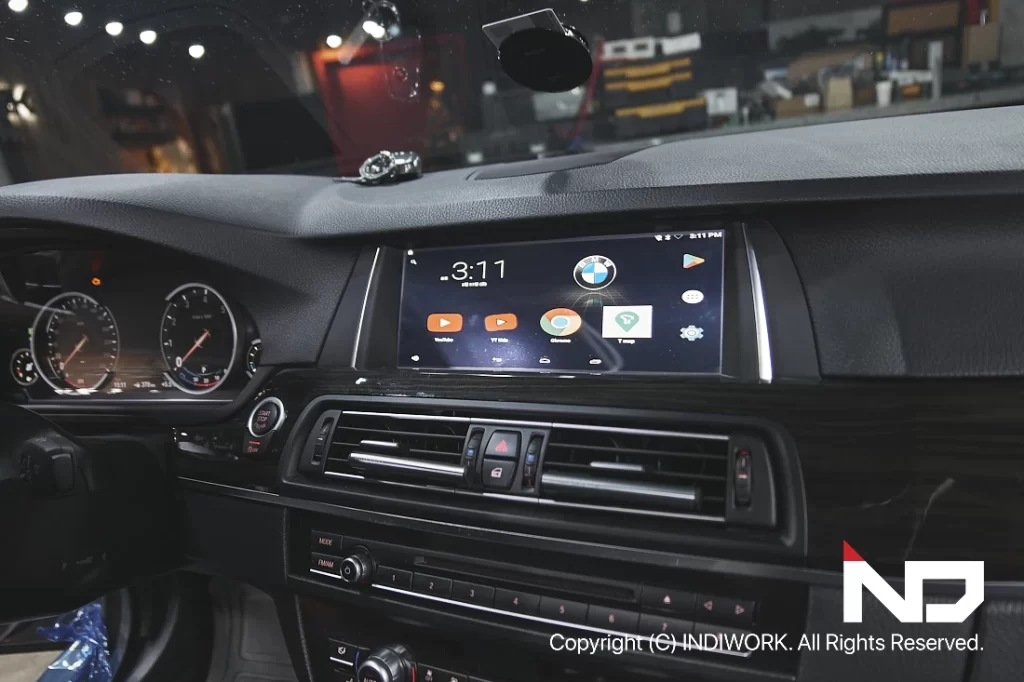
2015 BMW F10 528i visited INDIWORK Garage for the installation of a factory-style Apple CarPlay and Android Auto system. This upgrade enables drivers to access the latest smartphone features seamlessly within their vehicle.
Challenges with the Existing System
The customer’s F10 was equipped with an M2C-100 set-top navigation system running an outdated Android OS 5. This older system presented several challenges:
Incompatibility with modern apps like Tmap, Kakao Navi, and Naver Maps.
Limited updates, making the navigation system inefficient and unreliable.
Hardware constraints, such as outdated touch panels and video interfaces, added to the system’s inefficiency.
To resolve these issues, we opted for the SCB-NBT interface, a modern solution that enhances functionality while preserving the car’s original design and features.
The SCB-NBT Interface: Modern Features Without Compromise Plug-and-Play Installation
- The SCB-NBT interface integrates seamlessly with the car’s existing wiring using a plug-and-play connection, ensuring no damage to the original harness or connectors.
- Noise Reduction and Safety We use sound-absorbing materials and tape to insulate and secure visible wiring, eliminating additional noise and ensuring safe installation.
- Full iDrive Controller Integration The system works flawlessly with BMW’s original iDrive controller, allowing users to switch between the original display and the CarPlay/Android Auto interface with ease.
Installation Process
Removing the Old System
The M2C-100 set-top navigation system, along with its associated video interface, touch panel, and tangled wiring, was carefully removed.
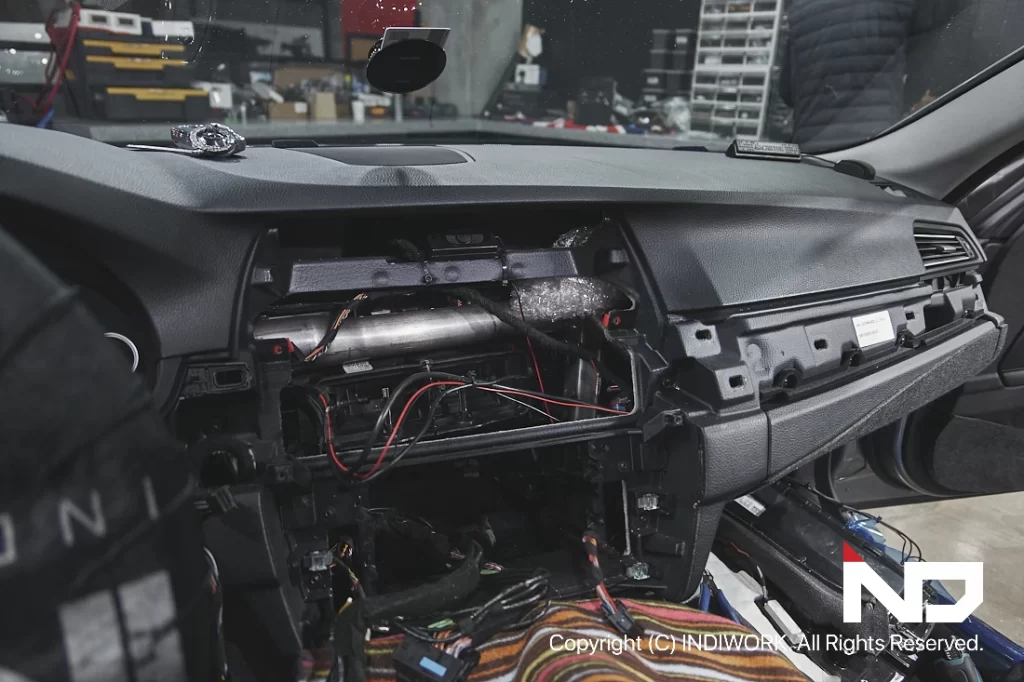
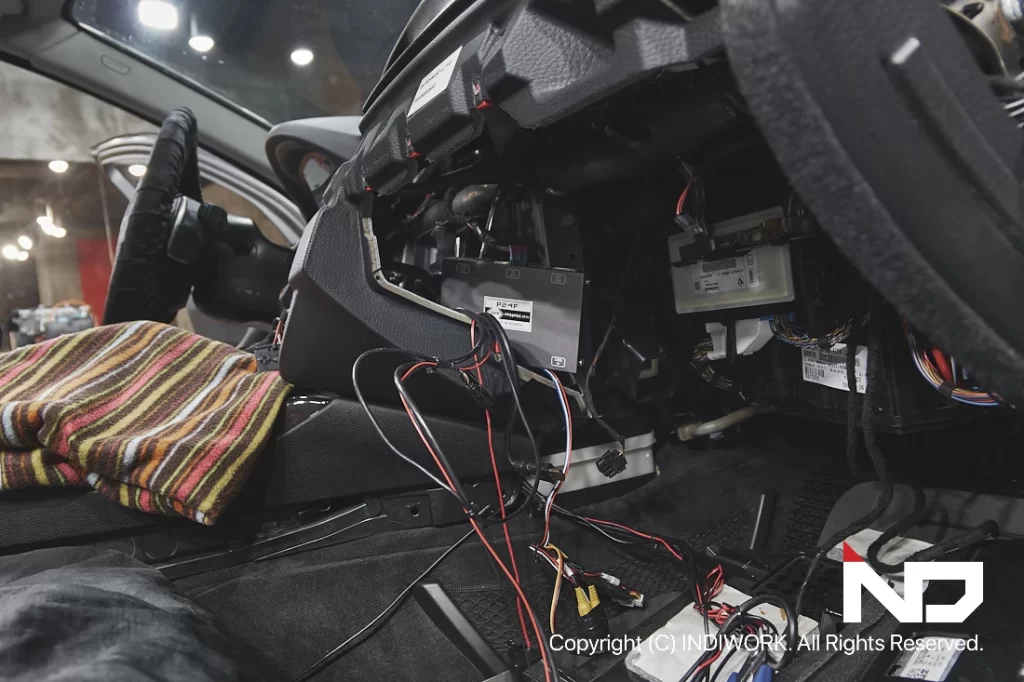
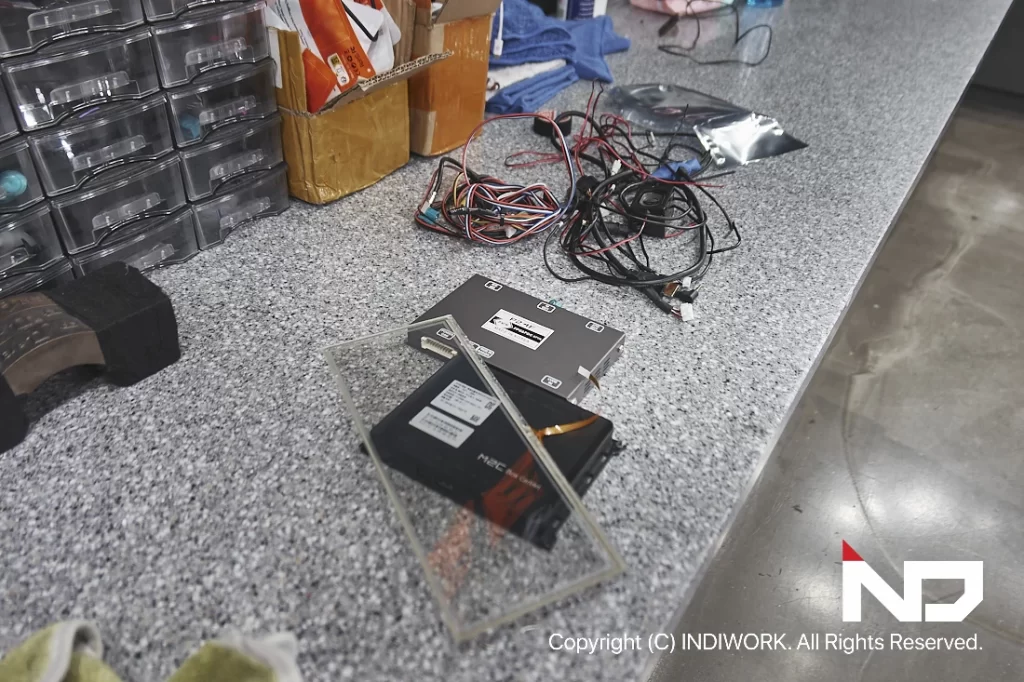
We spent significant time restoring the original wiring and ensuring that the factory system functioned perfectly before proceeding with the SCB-NBT installation.
Installing the SCB-NBT Interface
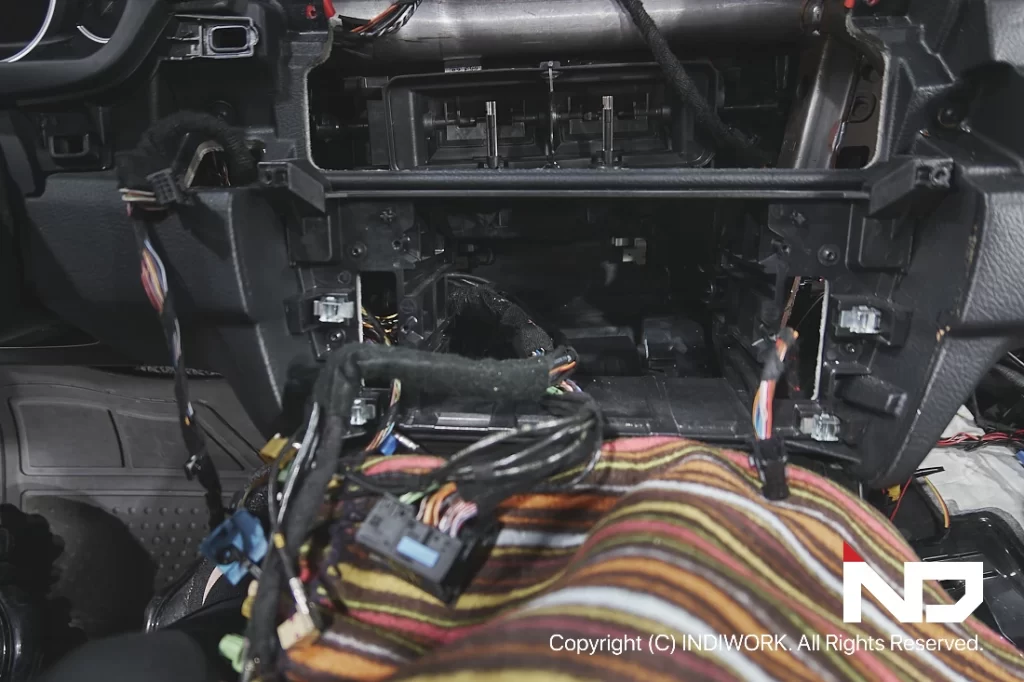
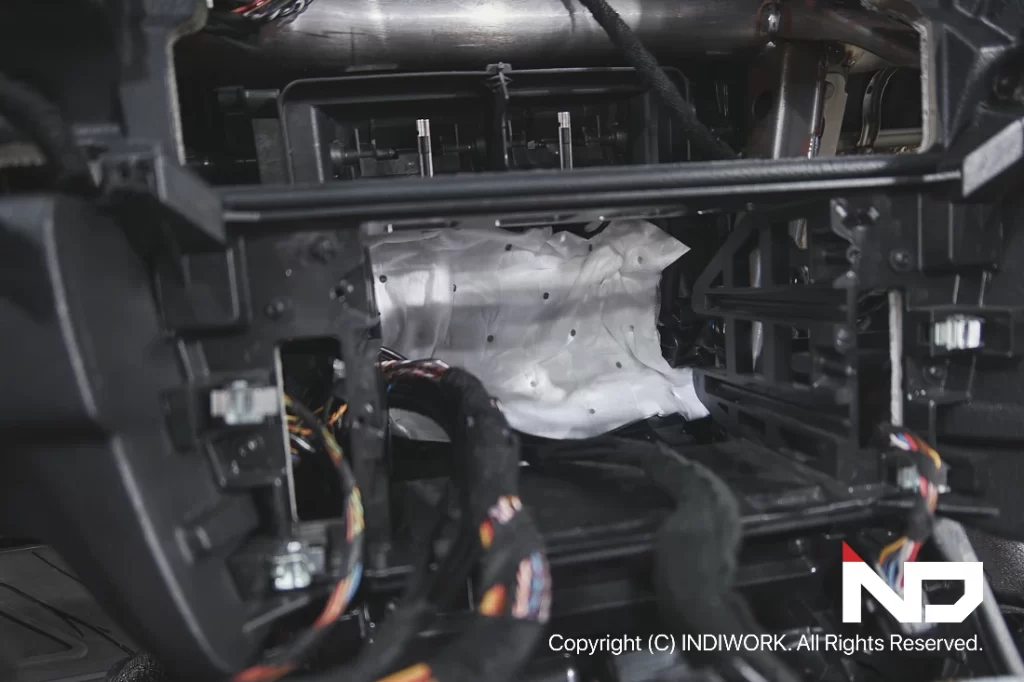
Once the original system was removed, the SCB-NBT interface was installed using a plug-and-play method.
To maintain the car’s factory aesthetics, we applied sound-absorbing materials to secure all connections and prevent unwanted noise.
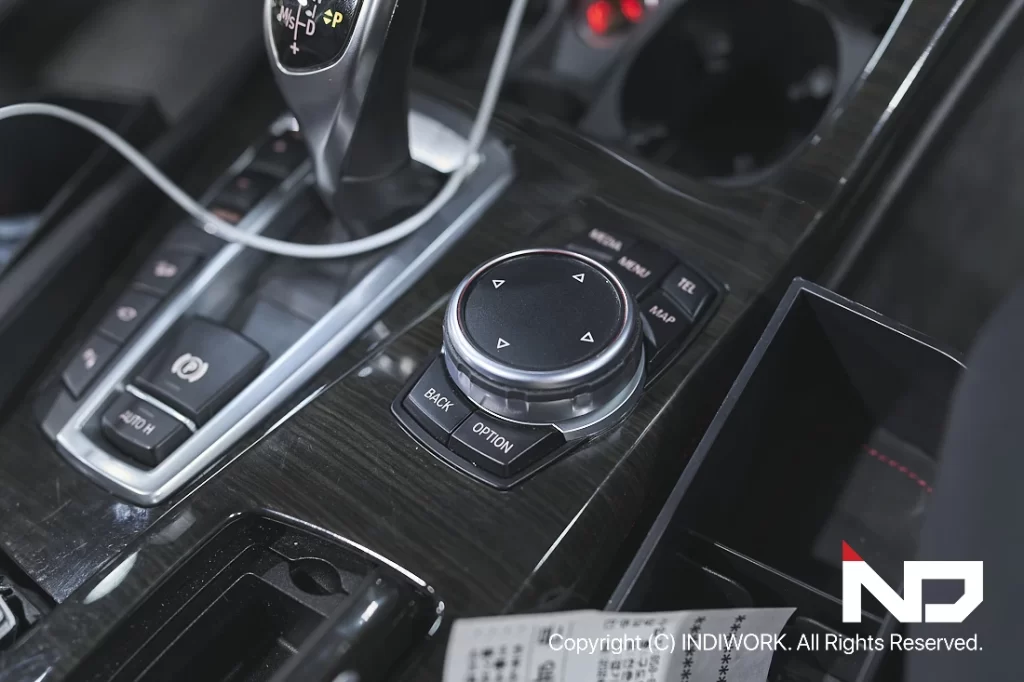
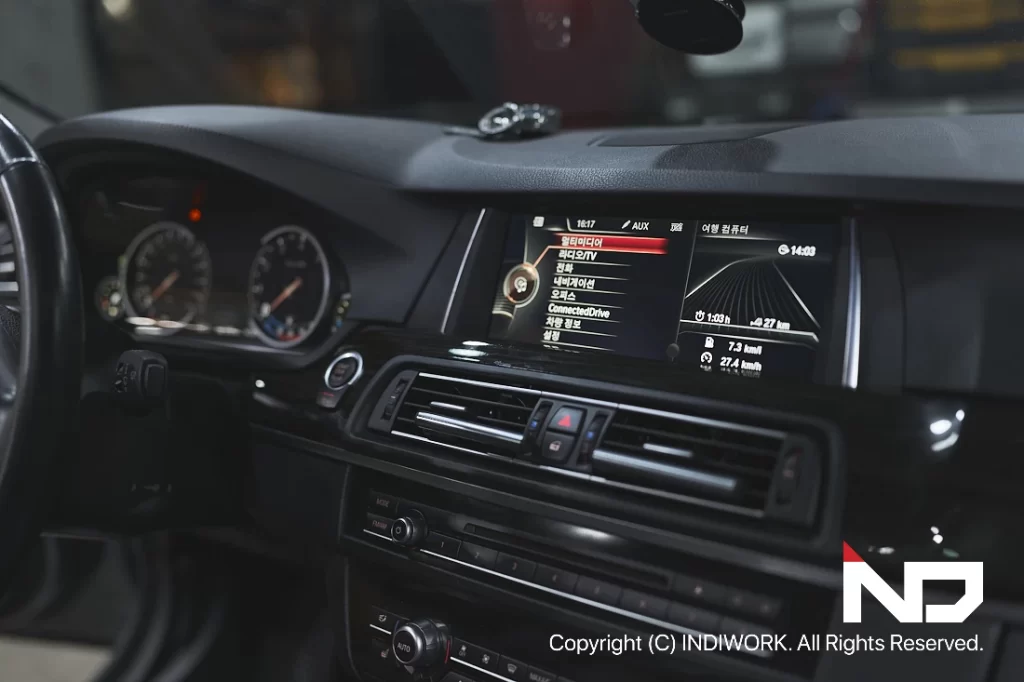
After installation, the system was tested to confirm: Smooth transitions between the factory display and the CarPlay/Android Auto interface.
Full compatibility with the iDrive controller for navigating apps and switching screens.
Carplay & Android Auto Build Up
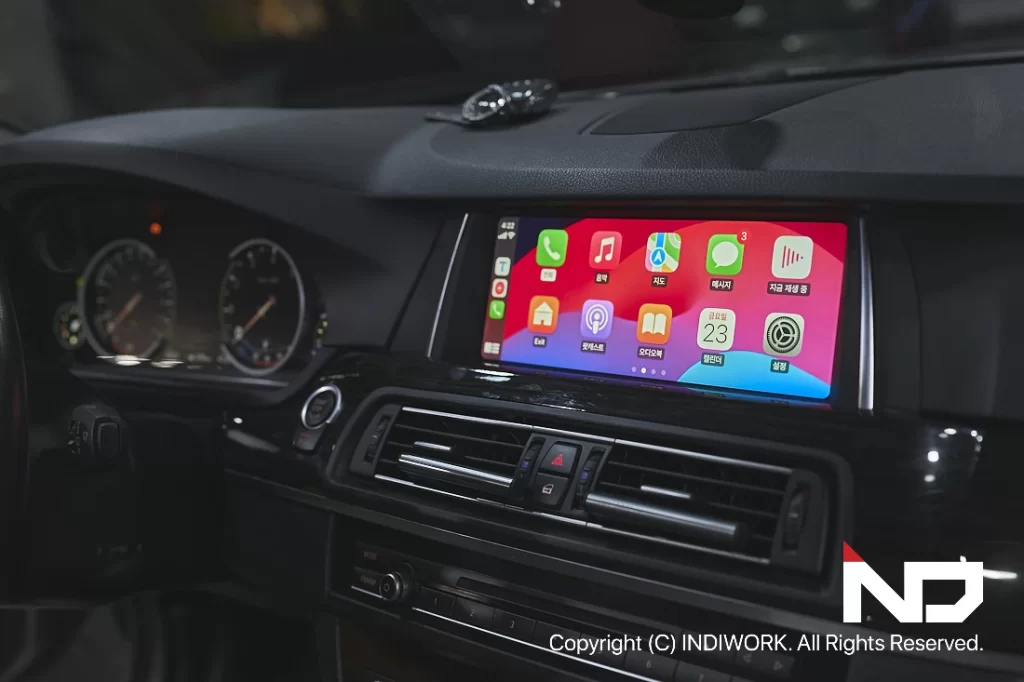
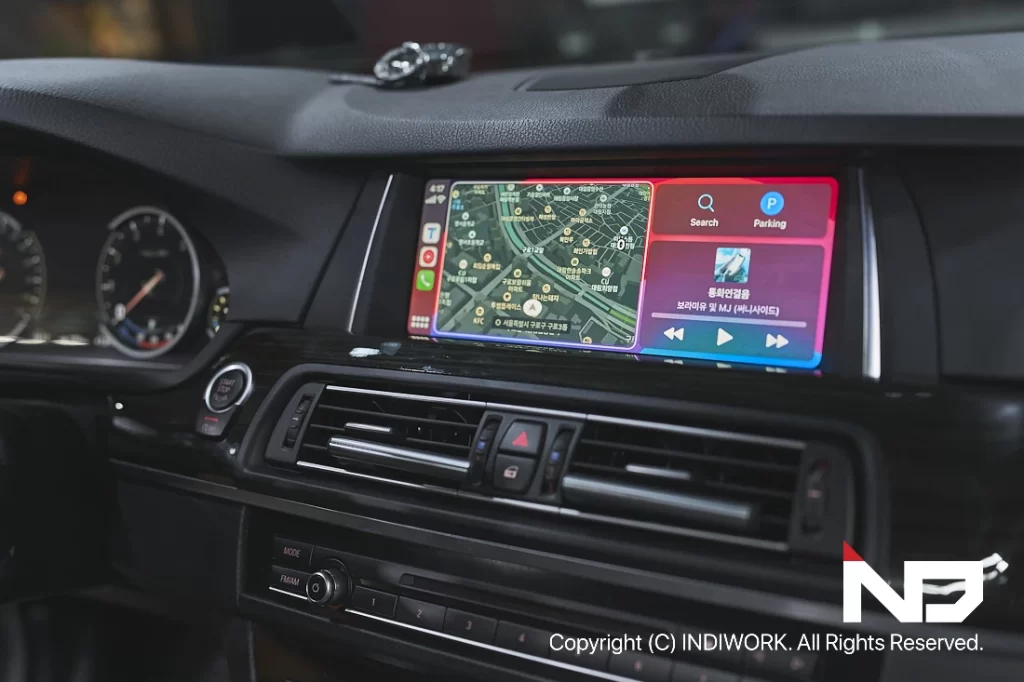
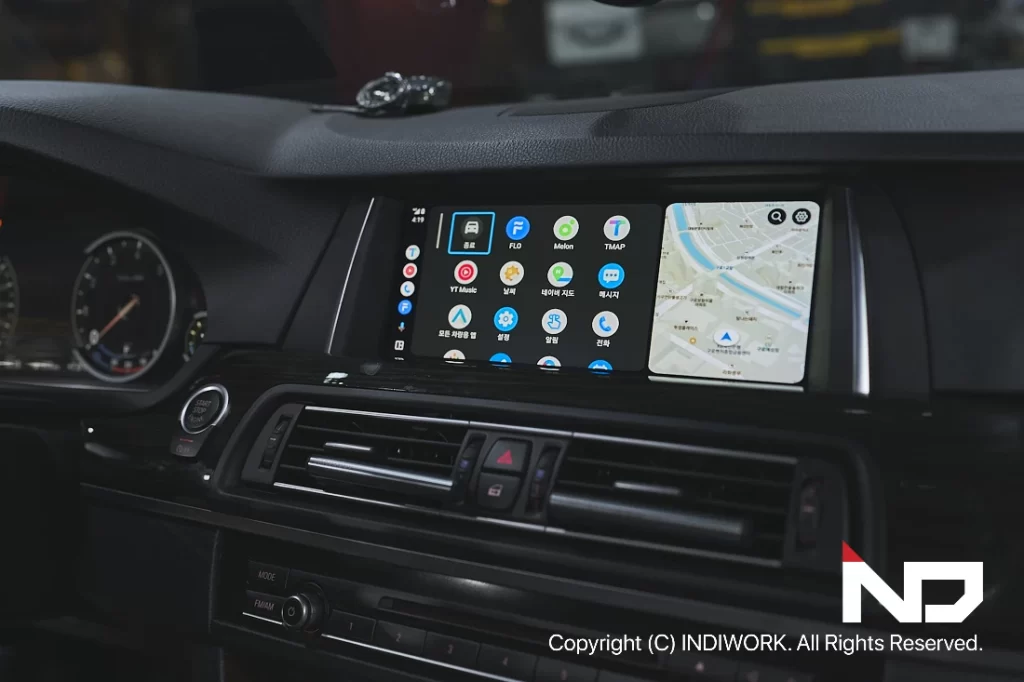
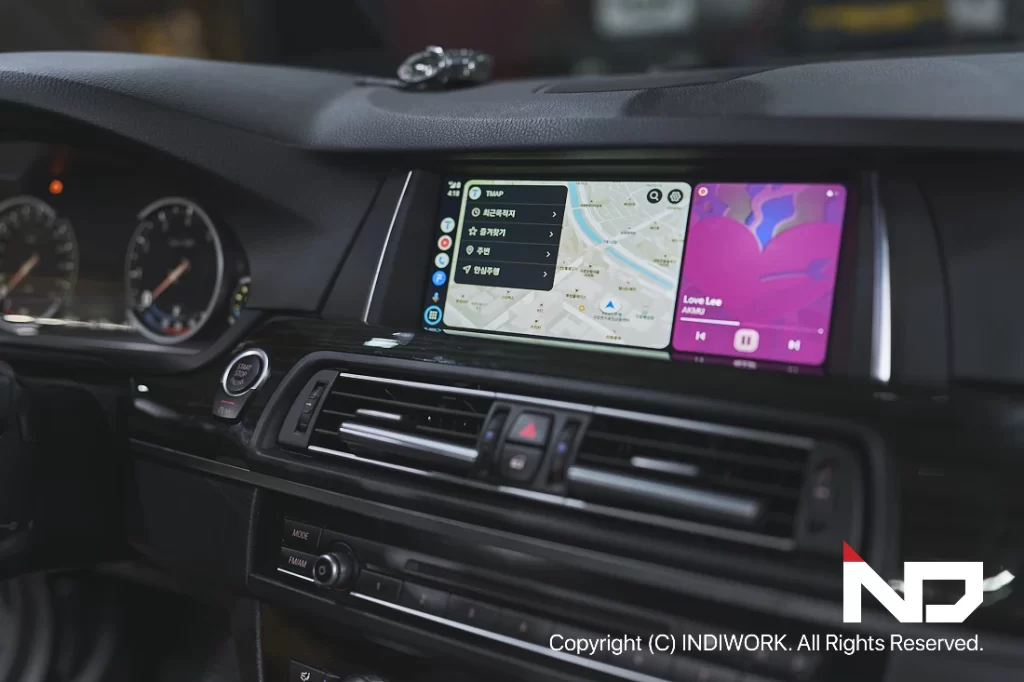
Ongoing Updates and Smart Integration
The SCB-NBT interface reflects the performance of your smartphone. Because it relies on the connected device’s operating system, the system remains up-to-date as your phone updates. This ensures that you always have access to the latest features and apps without needing hardware upgrades.
No Comments